
You'll learn to
- Explain what a schedule is and when a customer needs one
- Describe the fields on a time block and how priority decides what plays
- Set up a fallback block so a display is never empty
- Diagnose a schedule running at the wrong time
How does one display show different things at different times?
- A calendar of time blocks
- Each block plays a playlist or a media item
- Exactly one block plays at a time
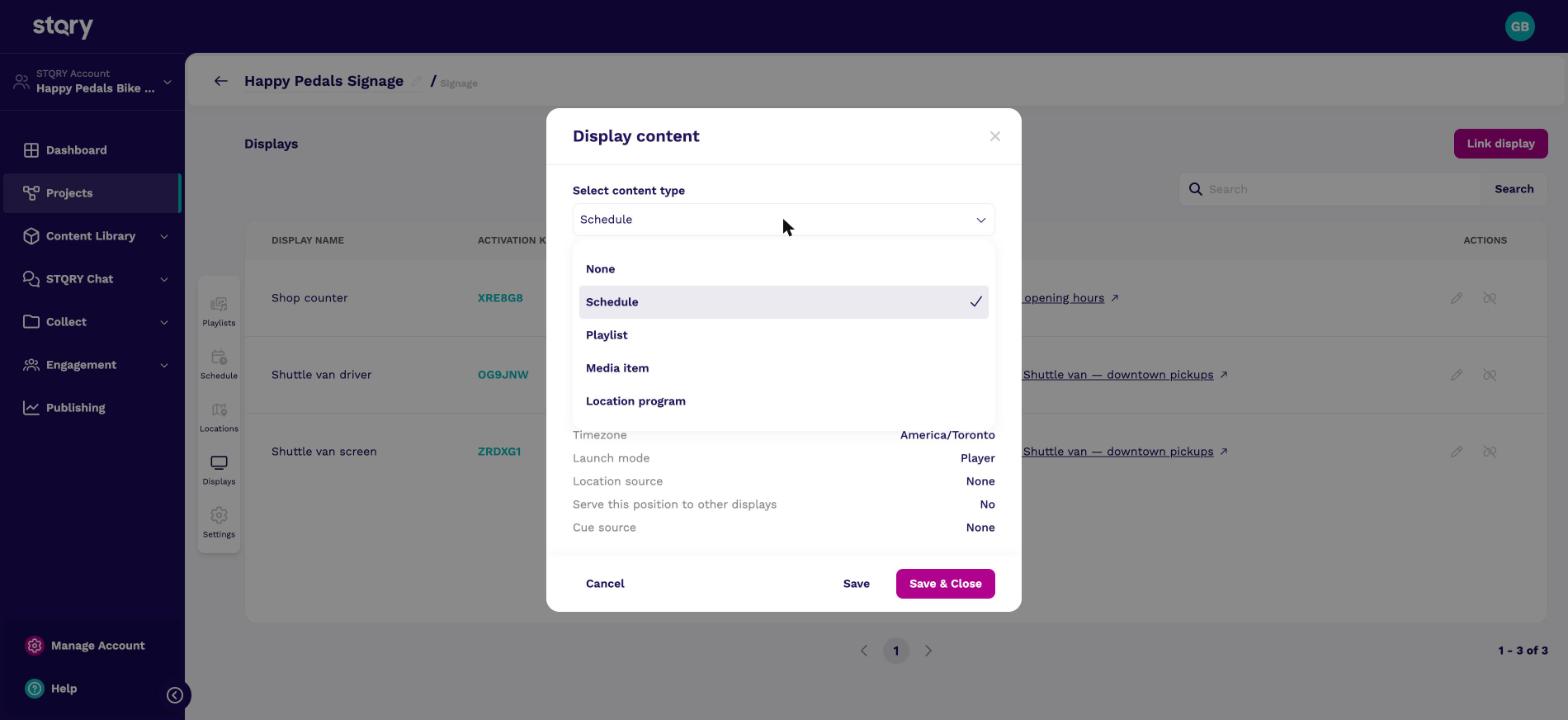
Say a museum wants a welcome loop on its lobby display in the morning, a promotion over lunch and a closing message in the evening. That's a schedule. It places playlists on a calendar, so one display shows different content at different times.
A display can only be given one piece of content, so a customer who wants to show more than one playlist needs a schedule. The schedule goes on the display, and the playlists go inside the schedule.
Schedules live in the project's Schedule tab. Creating one only needs a name. See Create a schedule.
This is the Happy Pedals shop counter's schedule. Three blocks cover the trading day, and a fourth all-day block sits underneath them at the lowest priority.
At 9am, the morning block and the all-day block are both active. The morning block has the lower number, so it wins. At 9pm only the all-day block is active, so the welcome loop plays.
End times are exclusive, so a block ending at 11:00 and another starting at 11:00 hand over cleanly. Every block in this schedule repeats Daily.
What's inside a block?
- What it plays
- When it plays
- How often it repeats
- Its Priority
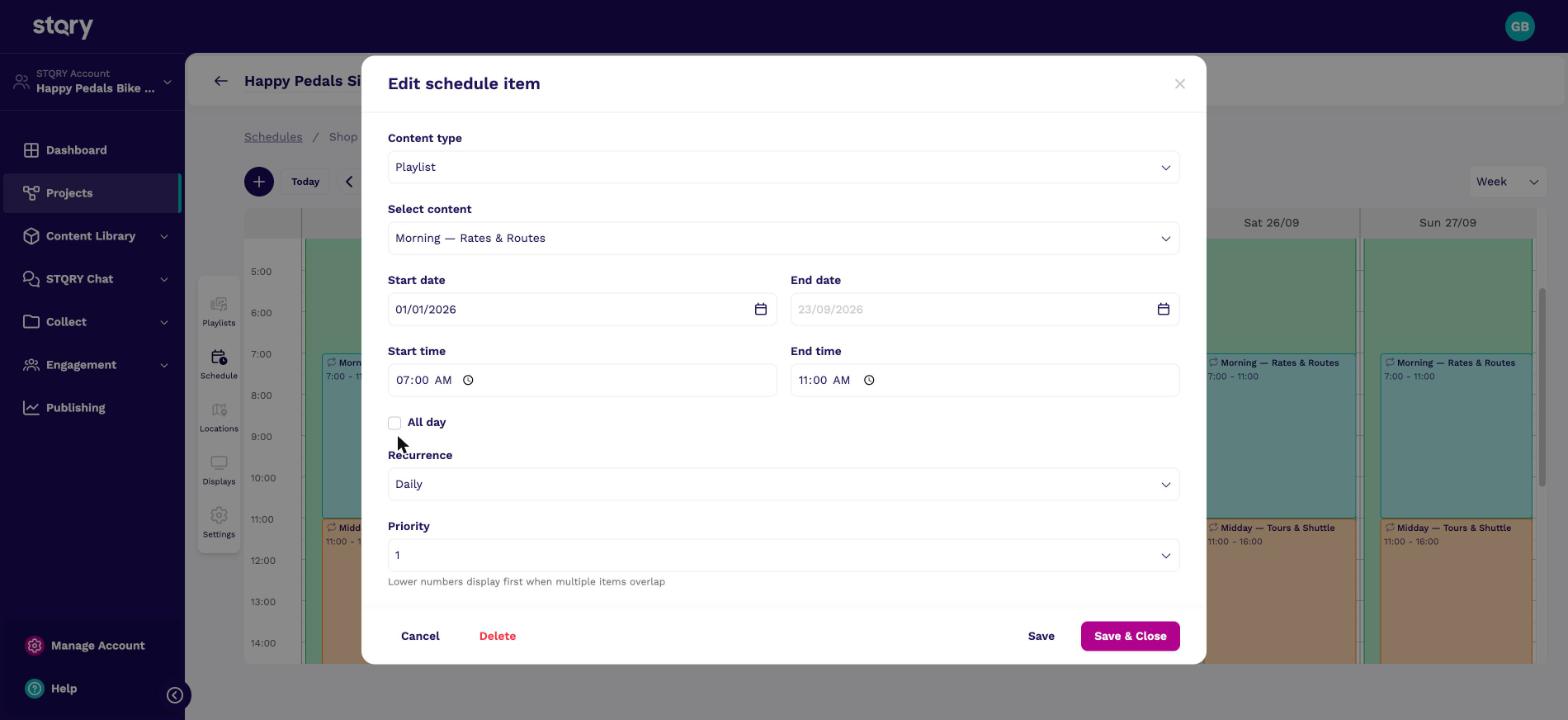
Here's the shop counter's morning block. Each block has a content type and item, a start date and an optional end date. It also has times or All day, a Recurrence and a Priority.
Builder's hint under Priority sums it up. Lower numbers display first when items overlap. Changing one block's priority renumbers the others to keep them in order.
Every second, the display works out which blocks are active right now, in its own timezone. Of those, the block with the lowest priority number plays. At 9am at the shop counter, that's the morning block, even though the all-day block is active too. Only one block ever plays. Blocks never stack, merge or alternate.
After creating several blocks, open the schedule again and check their priorities. When the demo schedule was built, the server renumbered the blocks in a different order, and the morning block ended up below the all-day fallback. That bug is filed as sc-172350.
Recurrence sets which days, inside the date range, a block plays. The options run from Daily and Weekdays to Weekly on {day}, monthly patterns and Custom.
None is a one-off. In Builder's calendar, a block with no recurrence and no end date appears on its start date only. Customers who expect it to keep running are surprised, so the fallback block in particular must be Daily.
Teach customers to pick a recurrence deliberately for every block. Daily behaves the same on every version of the app, which makes it the safe default.
How do you keep a display from going empty?
- No active block shows "Display has no running playlists"
- An all-day, Daily, lowest-priority block fills every gap
- The badge stays green either way
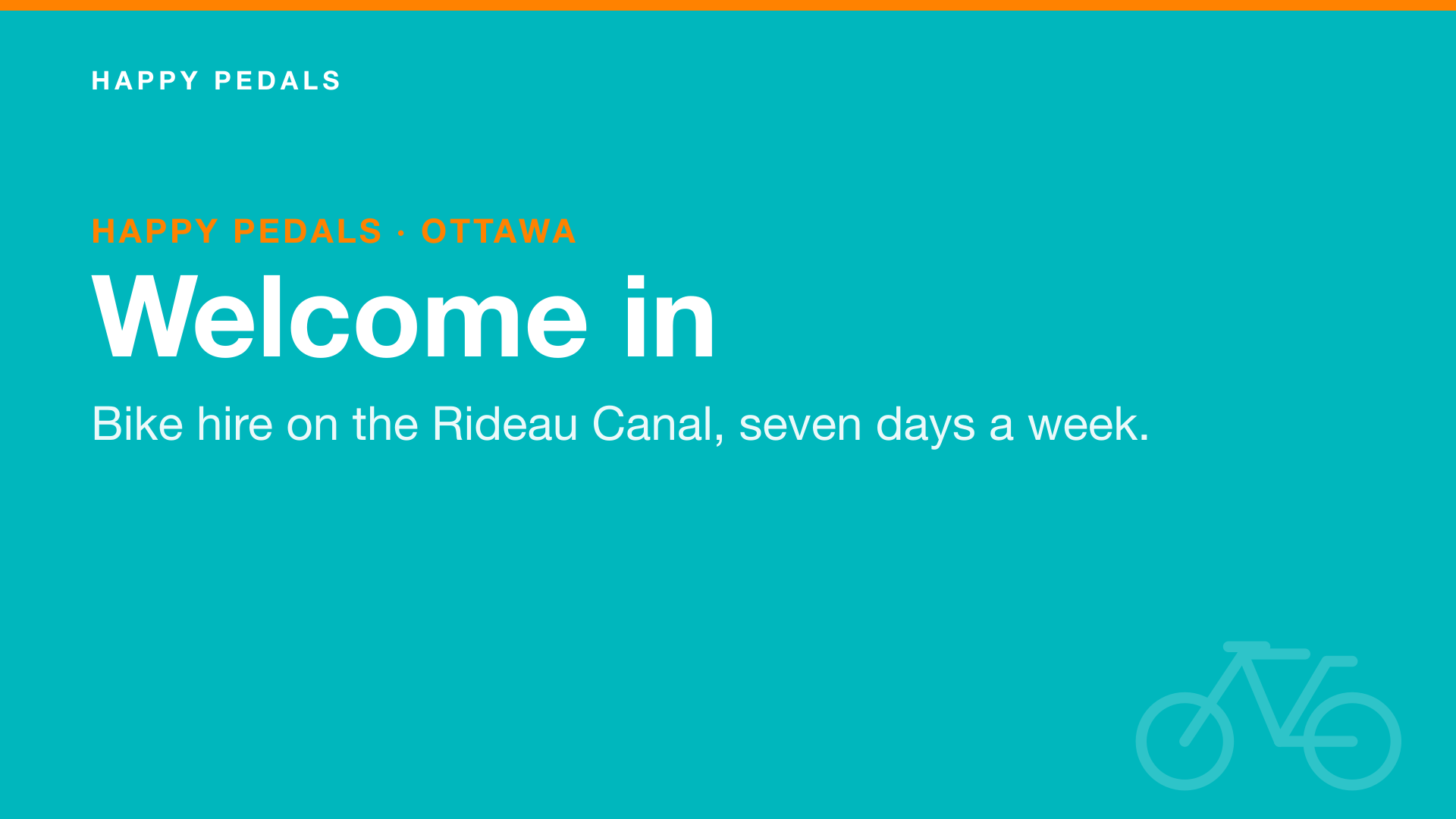
If a customer calls because their display shows "Display has no running playlists", no block is active. Outside opening hours that's expected, and it isn't a fault.
To keep something showing at all times, add an all-day block with a holding playlist. Set it to Daily and give it the highest number. That's the Happy Pedals welcome loop.
The Showing content badge in Builder reports that a schedule with blocks is assigned. It doesn't change with the time of day. A green badge on a display showing "Display has no running playlists" at 3am is correct. See Display status: what the badges mean.
A schedule has no timezone of its own. Picture a museum with one display in Sydney and another in Ottawa, both running the same schedule. Each display uses the timezone on its own record, so the 09:00 block plays at 09:00 local time in both cities.
Now say a display in Vancouver is left on the default. Every block plays three hours early, because it thinks it's in New York.
New display records start on America/New_York. This is the most common cause of a schedule running at the wrong time, so it's the first thing to check on any schedule call. The Happy Pedals displays are set to America/Toronto.
- Midday, at priority 2. The all-day block is active too, but priority 2 beats priority 4.
- Add an all-day block with a holding playlist, set it to Daily, and give it the lowest priority so it fills every gap.
- The display's timezone. It's probably still on the
America/New_Yorkdefault.