Using STQRY Signage
Displays and pairing
- Explain why replacement hardware pairs with the same display in Builder
- Adopt a display with a screen code, and connect one with an activation key and region
- Set the four fields every new display needs
- Explain how content changes and app updates reach a display

New hardware, same display
- Each display has a name, timezone, license and content in Builder
- Pairing links the hardware to it
- Replace the hardware and the record stays
Adopt it with the screen code
- The new display shows
S-and six characters - Type it into Adopt display in Builder
- The display moves on by itself
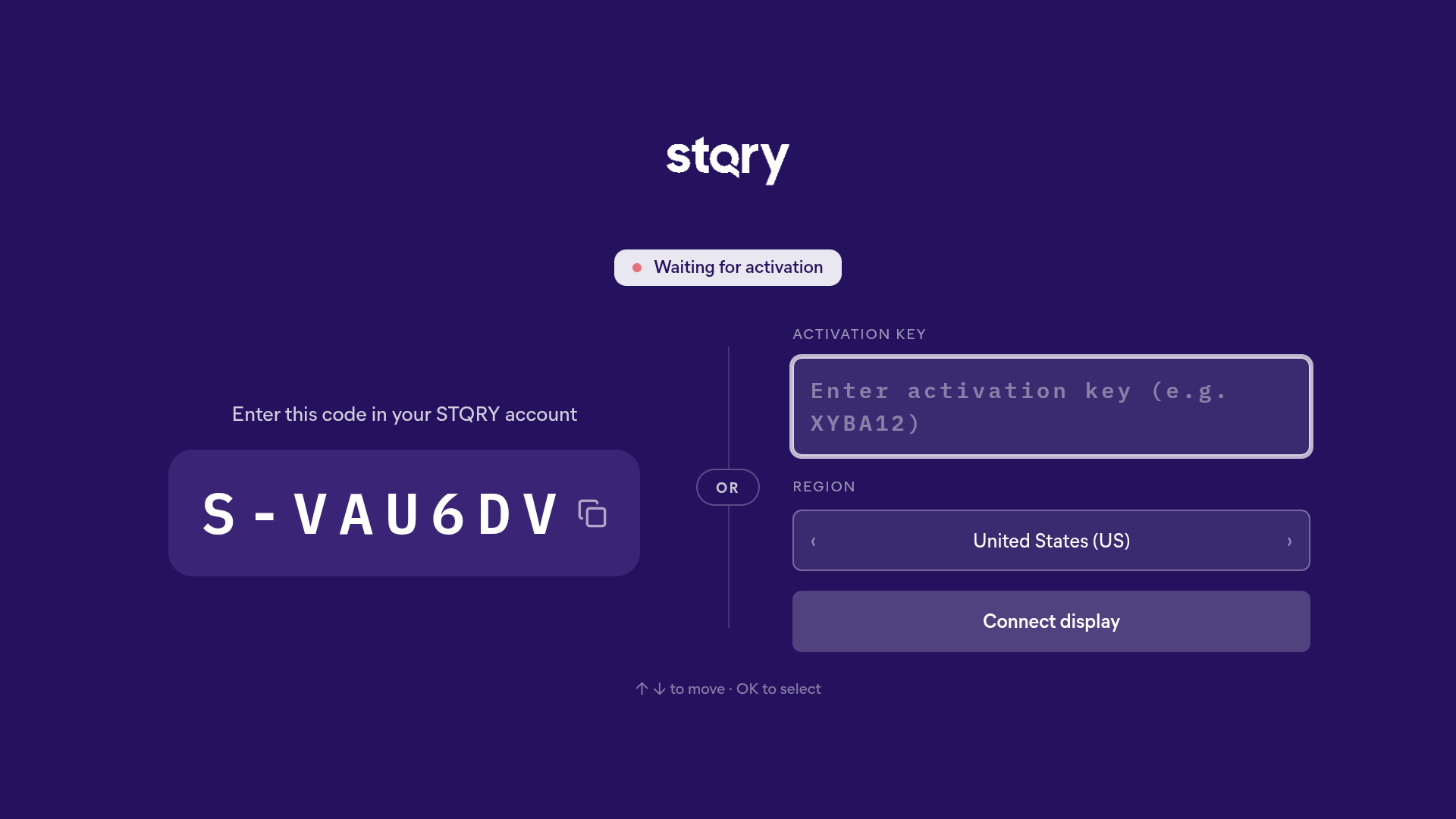
Or connect with an activation key
- Six characters, on the display record
- Pick the right region
- Use it for replaced hardware, or when you can't read a screen code
What do you set straight away?
- Name you'll recognise on a long list
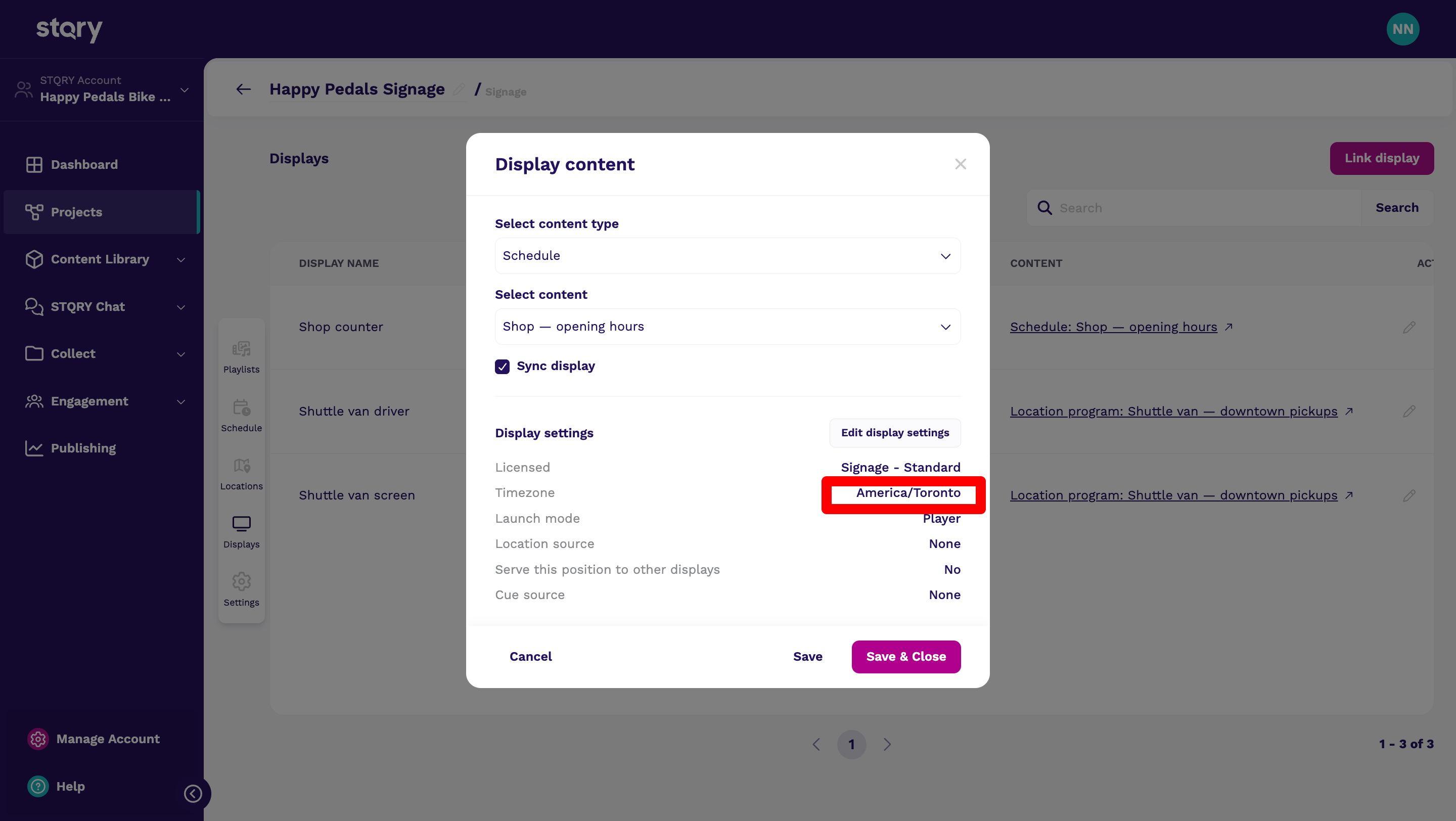
- Timezone where the display actually is
- Project
- License
Give it something to play
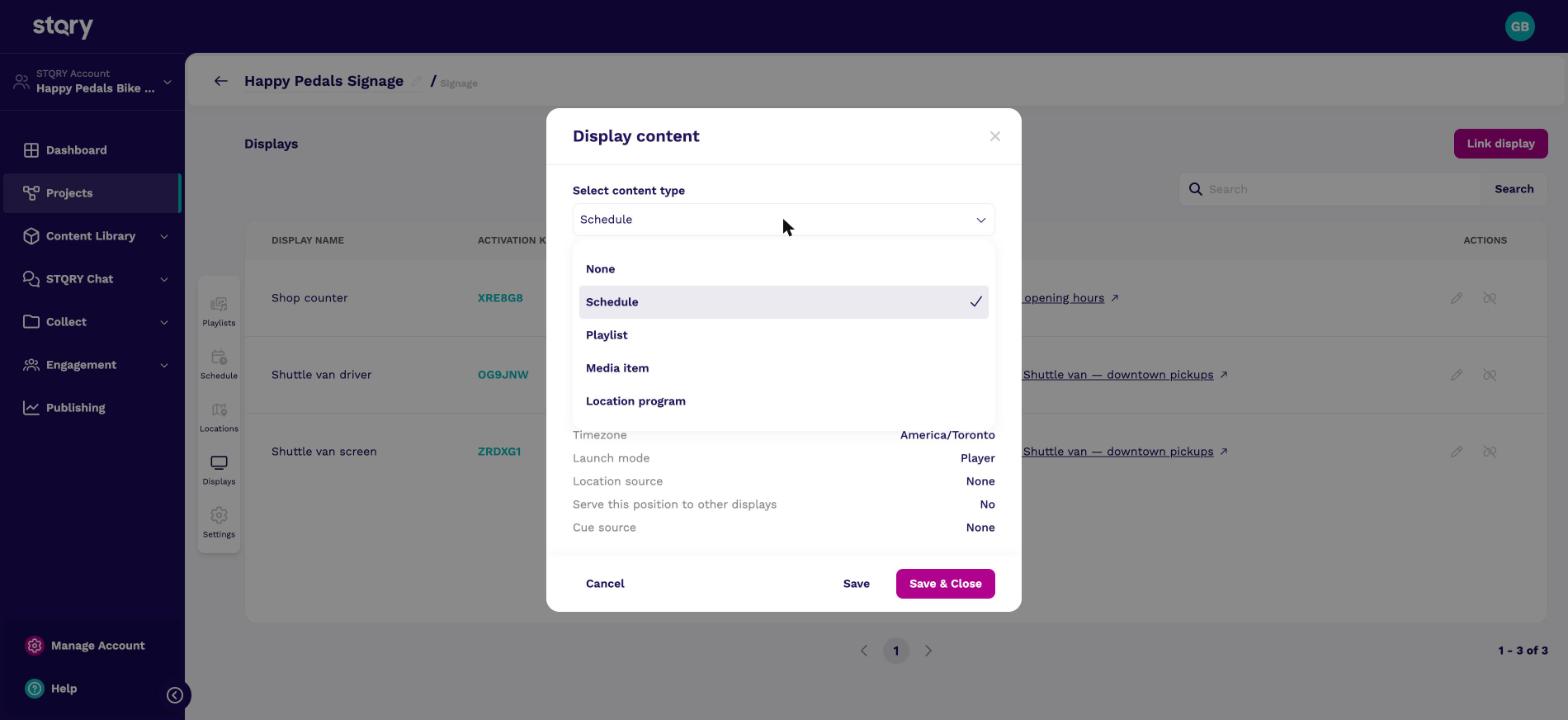
- Edit the display in the project's Displays tab
- Choose its Display content
- Pick a type, then the item
How quickly does a display notice?
- 5 min A change to content that's already playing
- 30 s A display waiting for its first content
- 5 s A new display waiting to be adopted
How do changes reach the display?
- Content: within five minutes, or now with Reload display
- App: through each platform's app store
- Offline: keeps playing from cache
A stale sign beats a dark one.
What if the hardware breaks?
- New hardware, same record: connect with the same activation key
- Change activation key returns a display to pairing
- The settings overlay sits behind a PIN
Check your understanding
- The key is right, but the app says no such display. Why?
- A schedule runs at the wrong time. Which display field do you check?
- A Fire TV died. How does the customer keep its display record?
- The region is wrong. A key only resolves in the region the account lives in. Adopting with a screen code avoids this, because the region is filled in for you.
- The timezone. New display records start on
America/New_York, and schedules resolve in the display's own timezone. - Install Signage on the replacement device and connect it with the same activation key. The display record, and everything on it, carries over.
Connecting People, Places and Stories.