Using STQRY Signage
Media and playlists
- Explain where media lives and which file types a display can play
- Describe what happens to a file between upload and playback, and when to use Don't transform
- Build a playlist and explain how durations, looping and audio work
- Explain how content languages, the audio companion and Sync display build on a playlist

Upload once, use it anywhere
- Uploaded once, at account level
- Reused across playlists, schedules and projects
- Images, video and audio play on a display
How does Builder fit each file to the display?
- Resized Images, to each display's own resolution
- 480p Video, a standard version
- MP3 Audio
- Original With Don't transform switched on
Playlists play top to bottom, then loop
- Images: 10 seconds unless you change it
- Videos: always their full length
- Images and video only
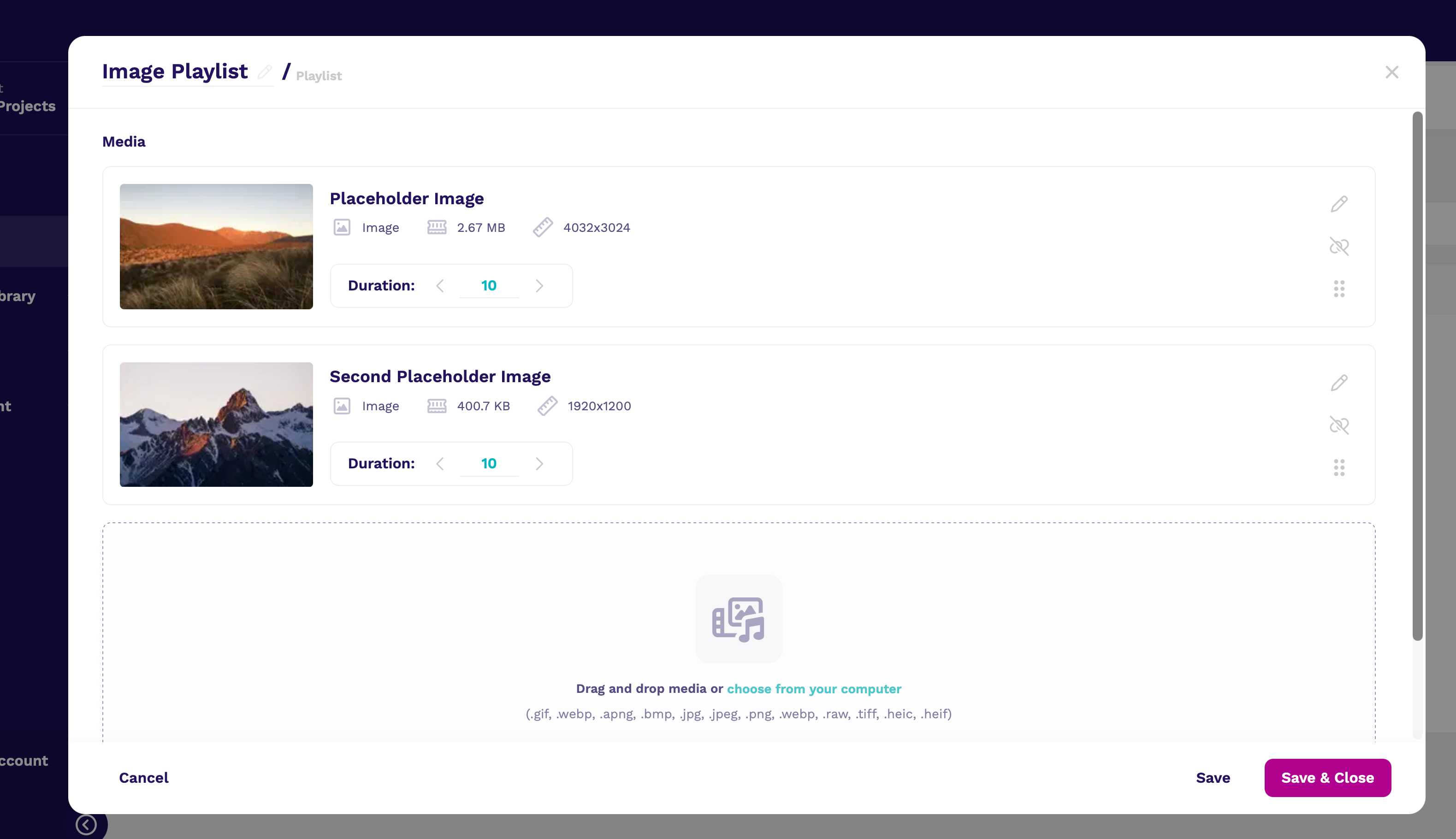
Small playlists, each with one job
One playlist, many languages
- A media item holds one file per language
- Visitors pick from pills on the display, or use a remote
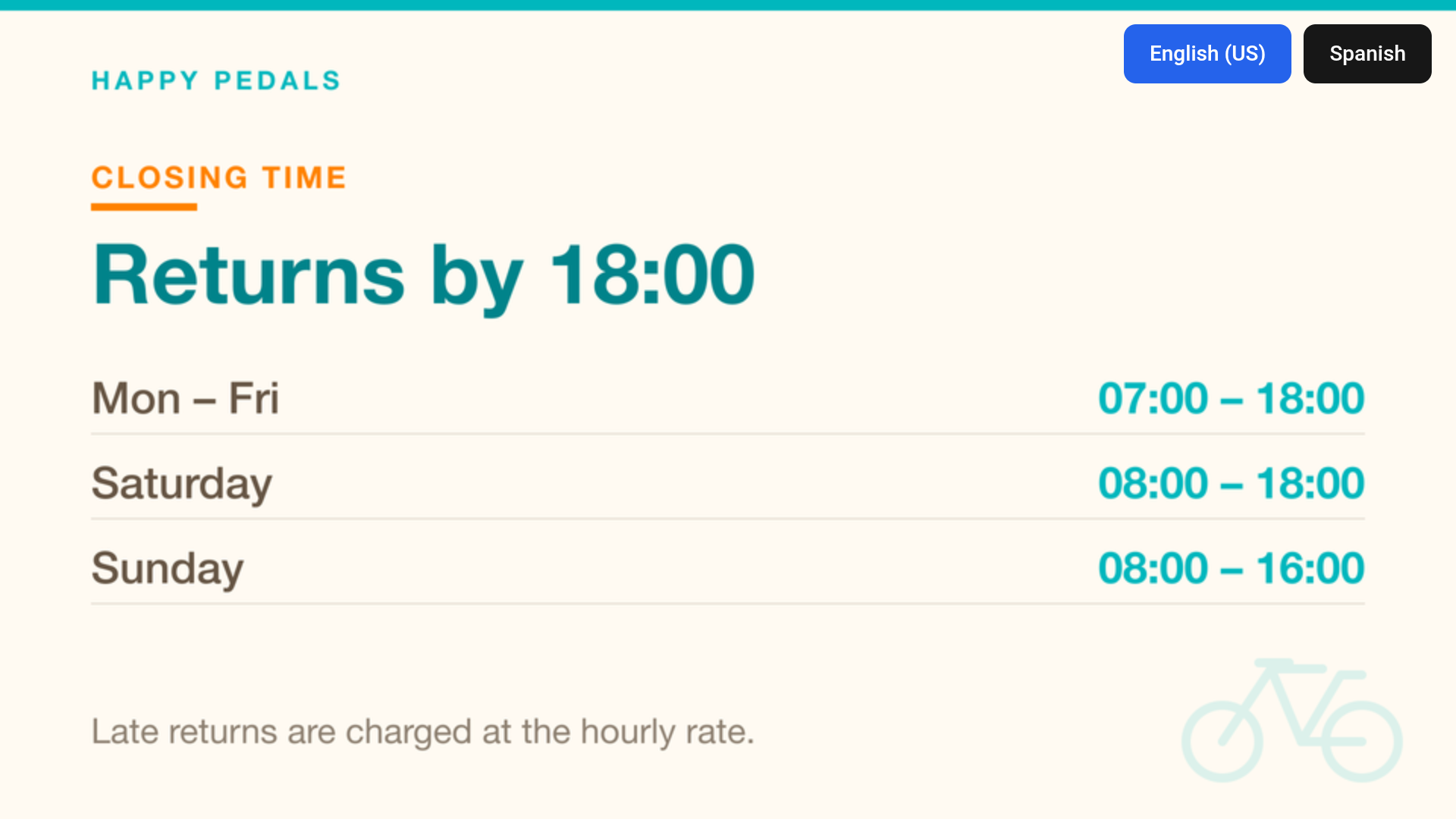
How do you keep displays in step?
- Same item, same moment, every display
- For video walls and displays seen together
- Set on each display, not the playlist
Check your understanding
- A video's duration says 10 seconds, but it plays for two minutes. Why?
- Can a customer add an MP3 to a playlist?
- Two side-by-side displays change slides at different times. What do you check?
- Duration only applies to still images. A video always plays its full length.
- No. Playlists take images and video. Audio goes on a display directly, in a schedule block, or in a location program zone, trigger or cue.
- That Sync display is on for both displays, then that both are playing the same content. If they're running a schedule, check both have the same timezone.
Connecting People, Places and Stories.